Skip to content Blog
-
 AI Can Summarise Your Lecture. Here’s What It Can’t Do. Published on AI gives you a quick recap of any lecture, but your own notes are how it sticks. How to use both in Noted, and find any part of a lecture again.
 -
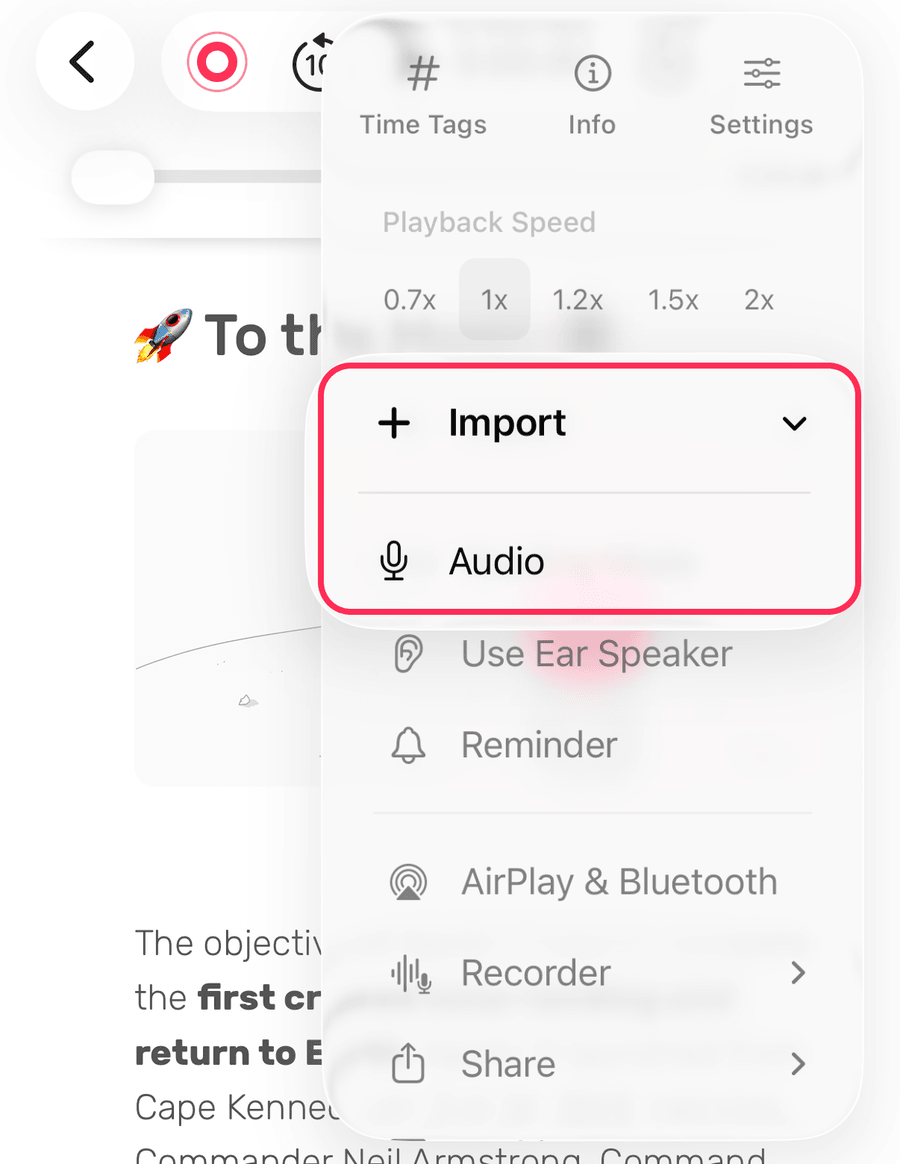 A Complete Guide to Importing and Working with Media Files Published on Import audio and video into Noted, then transcribe, trim and annotate it alongside your notes.
 -
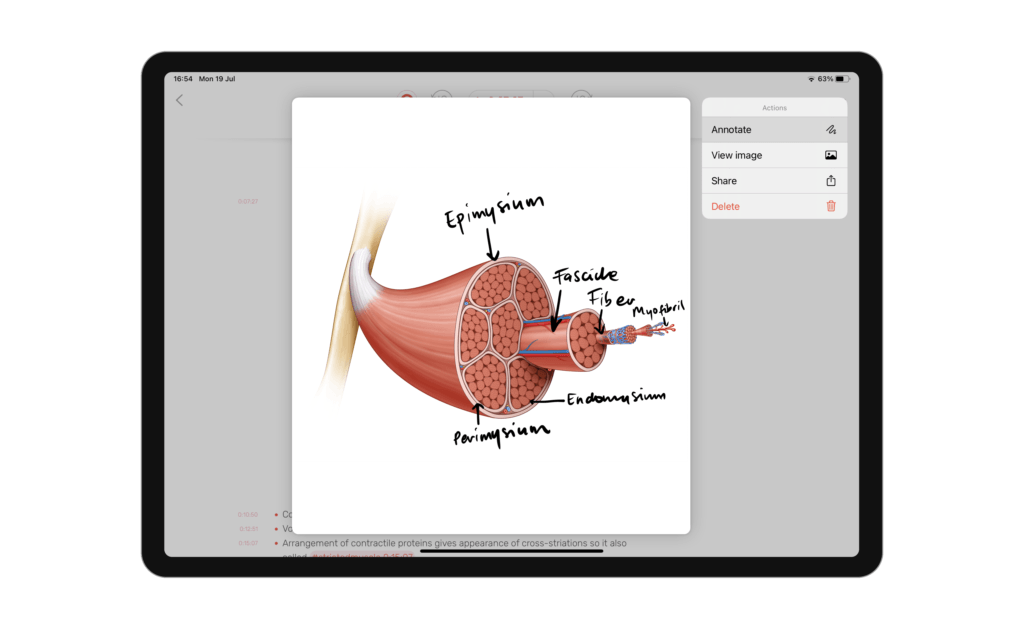 5 Hidden Features to Boost Your Productivity Published on Noted is a vast app with plenty of popular tools, sprinkled with a handful of hidden features that even the most avid users don’t know about.
 -
 How to Use Noted for Daily Journaling Published on Noted is not only for lectures and meetings: here is how to use time-stamped audio and text to keep a daily journal you will actually look back on.
 -
 How to Be More Productive with Noted on iPad Published on iPad-specific ways to get more from Noted: Split View multitasking, sketching, adjustable editor margins and Time Stroke.
 -
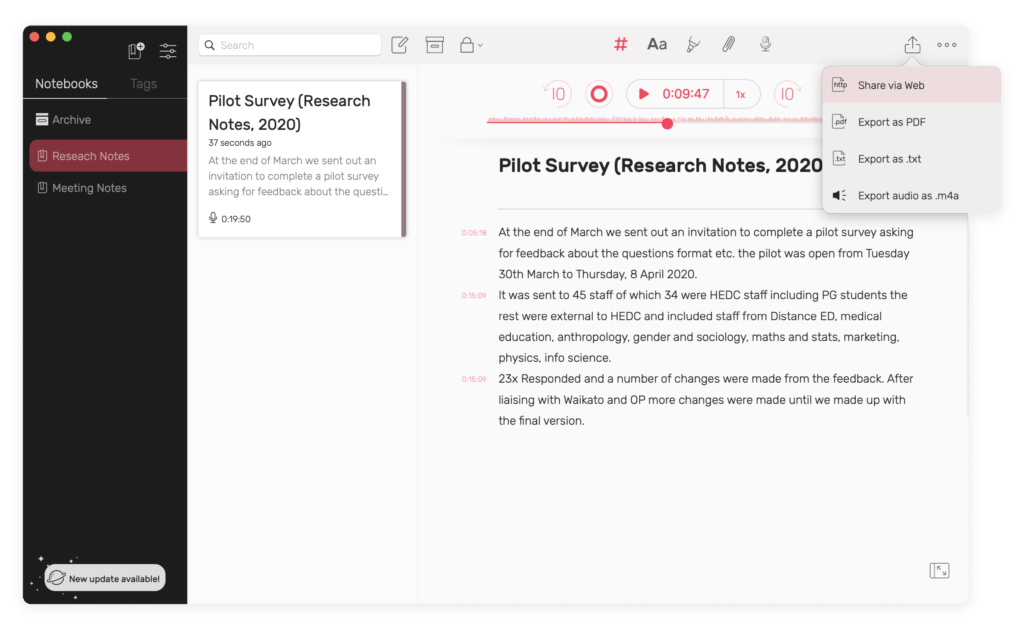 Spread Your Ideas: 4 Ways to Share Study or Research Notes Published on Four ways to share notes from Noted: an iCloud link, a web link, a PDF or TXT export, or the audio recording on its own.
 -
 3 Tools to Perfect Your Meeting/Lecture Recording Playback Published on Three Noted tools for reviewing a long lecture or meeting recording faster: Intelligent Playback, Audio Trimming and playback speed.
 -
 How to Format Your Notes For Maximum Readability Published on Noted’s text formatting tools, from indents and lists to checkboxes, and how to use them to make your notes easier to read.
 -
 How to Enable Noted+ for Family Sharing Published on Noted+ supports Family Sharing. Here is how to share your subscription with your family, or use one a family member already pays for.
 -
 How to Capture Ideas Using Noted While Listening to Podcasts Published on Hear something worth keeping in a podcast? Here is how to capture the idea in Noted without losing your place, and find it again later.
 -
 How to Take Better & Faster Notes Using Dictation Published on Use dictation in Noted to capture ideas faster than typing, and keep the text tied to your recording.
 - Intelligent Playback: A Time-Saving Way to Review Long Recordings Published on Intelligent Playback skips the silent gaps in a recording. What it does, and how to switch it on in Noted for iOS and macOS.


